
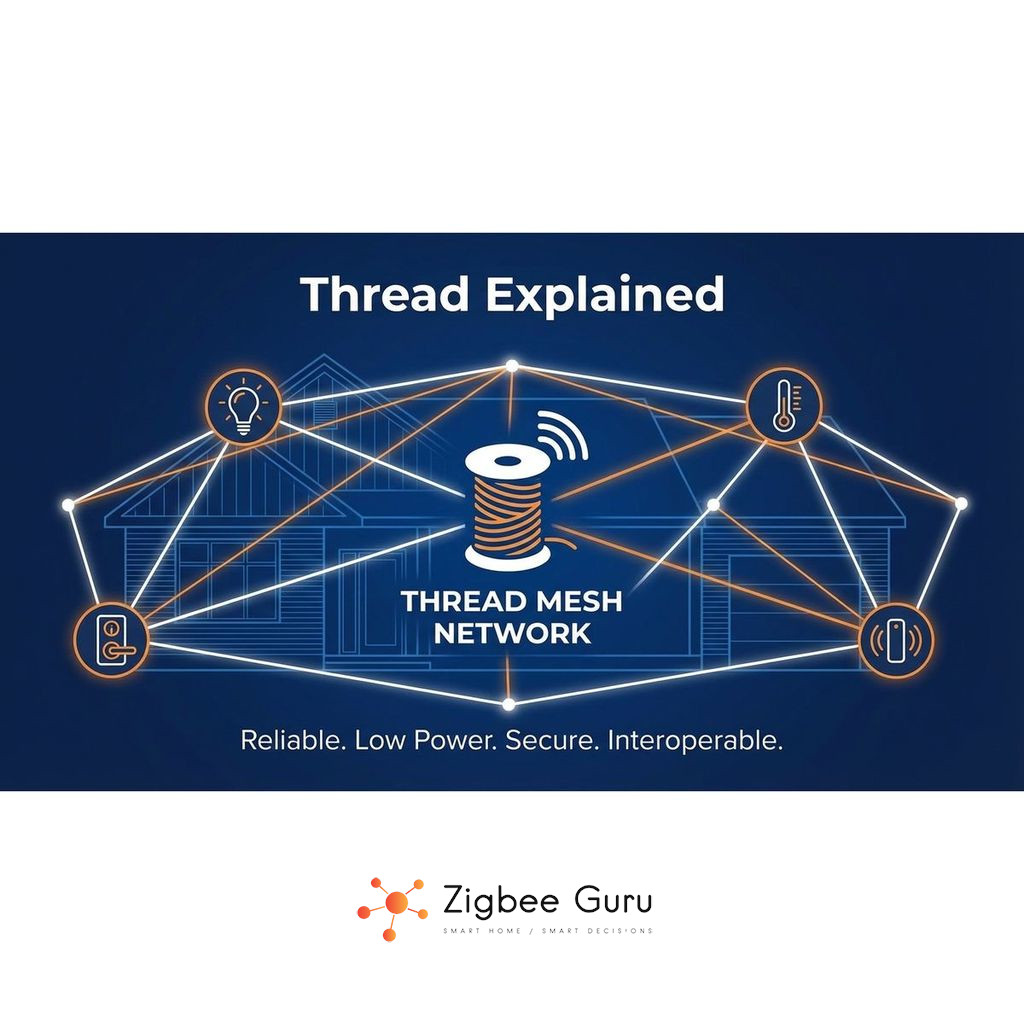
Thread is a low-power wireless networking technology designed specifically for smart home devices. It focuses on reliability, security and energy efficiency rather than raw speed, making it ideal for sensors, switches and other always-on devices around the house.
If you are new to Thread, it can be confusing to see it mentioned alongside Zigbee, Wi-Fi and Matter. Each of these solves a different part of the smart home puzzle, and Thread’s role is often misunderstood by beginners.
This beginner-friendly guide explains what Thread is, how it works, how it compares to Zigbee and Wi-Fi, and what you actually need to start using it in a modern European smart home.
Table of Contents
- What Is Thread?
- How Thread Works
- Thread vs Zigbee and Wi-Fi
- Key Benefits for Smart Homes
- Thread Device Types and Roles
- How to Get Started with Thread
- Common Issues and Troubleshooting
- Conclusion
- FAQ: Thread Basics
What Is Thread?
Thread is a low-power mesh networking protocol built on IEEE 802.15.4 radios, similar to Zigbee, but with native IPv6 support. It is designed so that small devices can talk to each other securely and reliably while using very little energy.
Unlike Wi-Fi, which is optimised for high throughput (video, file transfers), Thread focuses on sending small control messages between many devices. Unlike classic Zigbee, Thread is IP-based, which makes it easier to integrate with modern smart home standards such as Matter.
In European homes, Thread typically operates on the 2.4 GHz ISM band, which is shared with Wi-Fi and other technologies. It is engineered to coexist in this environment while still providing stable communication for hundreds of small devices.
How Thread Works
Thread builds a mesh network where devices can forward messages for one another. Instead of every device talking directly to a central router, messages can hop across multiple nodes, improving range and resilience inside real homes with walls, floors and interference.
At the radio level, Thread uses IEEE 802.15.4. On top of that, it uses 6LoWPAN to compress IPv6 packets so they fit efficiently into small frames. This combination allows even tiny battery-powered devices to participate in an IP-based network without heavy overhead.
A special role in a Thread network is the Border Router. This device connects the Thread mesh to the rest of your home network (Ethernet or Wi-Fi) and often runs higher-level protocols like Matter. Multiple Border Routers can coexist, improving redundancy and coverage.
Thread vs Zigbee and Wi-Fi
Thread, Zigbee and Wi-Fi are often mentioned together, but they have different design goals. Zigbee and Thread both use 802.15.4 radios and mesh networking, while Wi-Fi uses 802.11 and is optimised for high data rates rather than ultra-low power nodes.
For beginners, it helps to see them side by side in terms of radio layer, energy profile and typical use cases inside a home. Remember that you do not need to choose only one; most real installations combine all three.
| Aspect | Thread | Zigbee | Wi-Fi |
|---|---|---|---|
| Radio standard | IEEE 802.15.4 | IEEE 802.15.4 | IEEE 802.11 |
| Network type | Mesh, IPv6 / 6LoWPAN | Mesh, non-IP | Star, IP-based |
| Typical use | Sensors, switches, Matter devices | Sensors, lights, legacy devices | Phones, PCs, TVs, cameras |
| Power profile | Very low, battery-friendly | Very low, battery-friendly | Medium to high |
| Integration | Direct IP, easy to bridge | Requires gateways or bridges | Direct IP, widely supported |
Key idea: Thread and Zigbee specialise in low-power, mesh-based device control, while Wi-Fi remains the backbone for high-bandwidth traffic such as streaming and general internet access.
If you already use Zigbee for many devices, Thread does not immediately replace it. Instead, it appears alongside Zigbee as new Matter-capable products enter the market over time.
Key Benefits for Smart Homes
For everyday users, the main advantage of Thread is that it provides a stable, low-latency control network that feels responsive even when dozens of devices are installed. Mesh routing reduces the risk of dead spots and single points of failure.
Because Thread is IP-based, devices can integrate more directly with higher-level protocols and controllers. This simplifies bridging compared to classic non-IP meshes, and helps future-proof installations as Matter and similar standards mature.
- Fast response: commands such as turning on lights are delivered quickly, even under load.
- Low energy: battery-powered sensors can run for long periods when designed correctly.
- Resilient mesh: multiple routers and Border Routers improve overall reliability.
- IP-native: easier integration with existing network tools and smart home platforms.
In the European context, Thread also fits well within existing 2.4 GHz regulatory limits, using modest transmit power and duty cycles while still maintaining strong in-home connectivity.
Thread Device Types and Roles
Thread networks are built from different device roles, each optimised for particular tasks. Understanding these roles helps you plan where to place powered devices and where battery nodes are sufficient.
- End Devices: low-power nodes such as sensors that usually talk via a parent router and try to sleep as much as possible.
- Routers: mains-powered devices that forward messages for others, forming the core of the mesh.
- Border Routers: special routers that also connect the Thread mesh to your Ethernet or Wi-Fi network.
In a typical home, you might have a few Border Routers in strategic locations, several always-powered devices (plugs, in-wall modules) acting as routers and many battery-powered sensors or switches operating as end devices.
This hierarchy spreads the energy cost of routing across mains-powered hardware, allowing small devices to stay efficient while still benefiting from a robust mesh.
How to Get Started with Thread
To begin using Thread, you need at least one product that can function as a Thread Border Router and a few compatible end devices. Many modern smart home hubs and some speakers or routers already include this function, even if it is not always obvious from the packaging.
- Check whether your existing hub, router or smart speaker supports Thread or can be updated to do so.
- Choose a small set of Thread-capable devices, such as sensors or plugs, to form your first mini-mesh.
- Place the Border Router centrally and avoid enclosing it in metal cabinets to protect radio performance.
- Join devices to the network following the vendor’s commissioning procedure, usually via a mobile app.
Once a basic Thread mesh is running, you can expand gradually. It is generally better to add a few well-placed mains-powered devices first, then layer in more battery nodes once the routing backbone is established.
Common Issues and Troubleshooting
Beginner issues with Thread often come from assumptions rather than the protocol itself. Devices may appear offline, or commissioning can fail, even when the radio layer is functioning correctly. A structured approach helps identify the root cause.
- Insufficient routers: too many end devices and too few routing devices can cause instability. Add more mains-powered nodes in strategic positions.
- Poor placement: Border Routers placed behind TVs, metal racks or in corners may suffer from weak signal coverage.
- Coexistence with Wi-Fi: heavy use of 2.4 GHz Wi-Fi on overlapping channels can degrade performance. Adjust channel planning where your platform allows it.
- Mixed firmware versions: keep Thread devices updated; older firmware may have limitations or bugs fixed in later releases.
If problems persist, check your platform’s diagnostic tools. Some ecosystems expose topology views, link quality indicators or logs that reveal whether issues are radio-related, routing-related or purely application-level.
Conclusion
Thread brings an IP-based, low-power mesh layer to the smart home, complementing Zigbee and Wi-Fi rather than replacing them outright. Its combination of energy efficiency, resilience and direct IPv6 support makes it well suited for the next generation of connected devices.
For beginners, the key steps are to verify Border Router support, start with a small set of compatible devices and pay attention to physical placement and radio conditions. With these basics in place, Thread can operate quietly in the background while your automations and applications become simpler to manage.
Over time, as more Matter-capable products arrive, Thread is likely to become a standard building block of European smart homes, alongside existing Zigbee installations and the familiar Wi-Fi network used by everyday devices.
FAQ: Thread Basics
This FAQ covers common beginner questions about Thread, its relationship to Zigbee and Wi-Fi, and what you actually need to start using it.
- Is Thread the same as Zigbee?
No. Thread and Zigbee both use IEEE 802.15.4 radios and mesh networking, but Zigbee is a non-IP protocol, while Thread is IP-based using IPv6 and 6LoWPAN. This makes Thread easier to bridge into modern networks and standards. - Do I need Thread to use Matter?
No, Matter can also run over Wi-Fi or Ethernet. However, Thread is the primary option for low-power, battery-driven Matter devices such as sensors and switches, so it is very useful in practice. - Will Thread replace my existing Zigbee devices?
Existing Zigbee devices will continue to work with their coordinators or hubs. Thread does not automatically replace them. Many homes will run both for a long time, using bridges or multi-protocol hubs where needed. - Do Thread devices need an internet connection?
Thread devices communicate locally inside the home. They rely on a Border Router to connect to your IP network, but everyday control normally continues even if the external internet connection is temporarily down. - Is Thread better than Wi-Fi for sensors?
For small, battery-powered sensors, Thread is generally more suitable than Wi-Fi because the radio is optimised for low energy consumption and short messages. Wi-Fi remains better for high-bandwidth devices such as cameras or laptops.



