
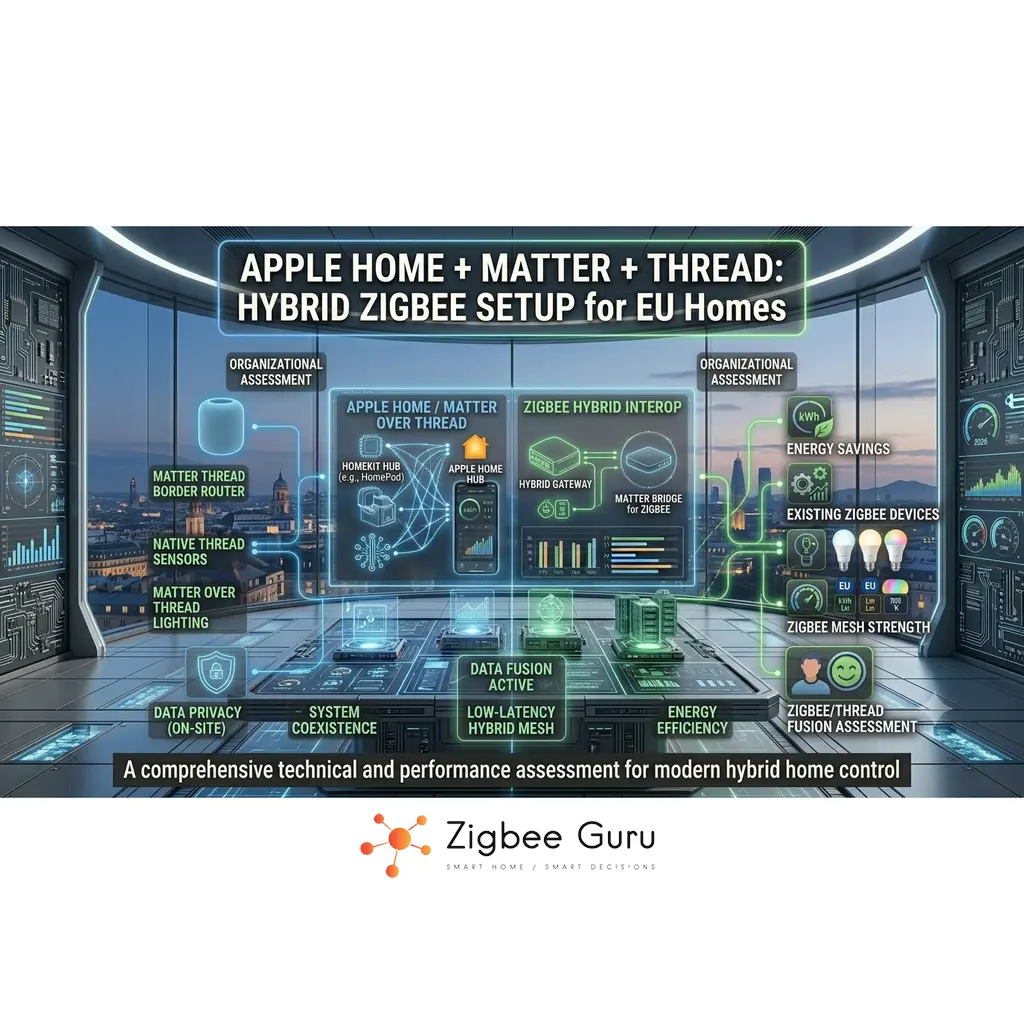
Apple Home has evolved from a HomeKit-only ecosystem into a platform that can speak Matter and use Thread for low-power mesh devices. For EU homeowners, this makes it possible to mix Apple’s polished experience with a wider range of devices, instead of being limited to “Made for HomeKit” labels.
At the same time, many houses and flats already use affordable Zigbee sensors, switches and plugs. Replacing them all with native Matter or HomeKit devices is rarely economical. A more robust approach is to keep Zigbee as a field bus and add Matter and Thread as the interoperability and control layer — a pattern that mirrors the broader Zigbee vs Thread vs Matter layered thinking that has become dominant in 2026.
This guide walks through how Apple Home, Matter, Thread and Zigbee can coexist in a hybrid architecture. The focus is on building realities, RF constraints and avoiding unnecessary HomeKit lock-in, while still keeping Apple devices as the main user interface.
Table of Contents
- Apple Home, HomeKit, Matter and Thread: Overview
- Apple Home Ecosystem Basics
- How Matter and Thread Work in Apple Home
- Zigbee Bridge Strategies for Apple-centric Homes
- Hybrid Architectures That Avoid Lock-in
- Network & RF Planning for EU Buildings
- Automation Design Without HomeKit Lock-in
- Security, Privacy and Data Paths
- Comparison Table: HomeKit-only vs Hybrid Designs
- Conclusion
- FAQ
Apple Home, HomeKit, Matter and Thread: Overview
Historically, Apple HomeKit defined its own accessory model and certification path. Devices had to implement specific protocols and security requirements to appear in the Home app, which limited choice and kept prices relatively high in some categories. Many low-cost Zigbee devices never offered HomeKit support.
With Matter, Apple now participates in a shared application layer alongside other major vendors. Matter devices can be onboarded into Apple Home using standard codes, regardless of whether they are connected via Wi-Fi or Thread. This opens the door to more cross-ecosystem hardware while preserving Apple’s security model.
Zigbee remains a separate 802.15.4 ecosystem. It does not natively speak Matter or HomeKit, but it can be bridged. For many homes, the optimal path is to treat Zigbee as a mature sensor and relay layer while using Apple Home, Matter and Thread to unify control and ensure long-term interoperability.
- Apple Home: user interface, automations and access control
- Matter: shared language for describing devices and features
- Thread: low-power IPv6 mesh for suitable endpoints
- Zigbee: cost-effective mesh for sensors and actuators
Apple Home Ecosystem Basics
In an Apple-centric home, the Home app on iOS, iPadOS and macOS is the primary interface. Home Hubs such as set-top devices or smart speakers stay powered on and act as coordinators for automations, remote access and secure control. They maintain encrypted connections to devices and to iCloud for remote access.
Accessories appear in Apple Home if they implement HomeKit directly or expose themselves as Matter devices that Apple Home can commission. Behind the scenes, Apple manages encryption keys and fabric membership so that only authorised devices and users can control the system.
Hybrid setups add at least one layer: Zigbee or other non-Matter technologies managed by bridges or local controllers. These elements may not be visible as separate systems to the user, but understanding their role is important when designing for latency, reliability and vendor independence — themes we cover in depth in Local vs Cloud Smart Home Automations.
- Home app: configuration, dashboards and scenes
- Home Hub: always-on coordinator for automations and remote access
- Matter and HomeKit accessories: presented as tiles and rooms
- Bridges and controllers: internal plumbing that connects legacy devices
How Matter and Thread Work in Apple Home
Matter devices are commissioned into Apple Home using a QR code or numeric setup code. During this process, the Home Hub becomes a Matter controller and joins the device to a secure fabric. Whether the device uses Wi-Fi or Thread, Apple Home interacts with it using the same high-level Matter clusters and attributes.
Thread endpoints use 802.15.4 with IPv6 and 6LoWPAN to form a self-healing mesh. Thread Border Routers sit at the edge of this mesh, bridging it to the home IP network and giving the Home Hub IP-level reachability to each endpoint. This structure is particularly suitable for battery-powered sensors and switches.
Matter-over-Wi-Fi devices connect directly to the existing wireless infrastructure. In EU homes with concrete floors and brick walls, combining Wi-Fi-based Matter devices for high-bandwidth uses and Thread-based ones for low-power roles can provide a good balance, as long as radio placement and channels are planned correctly.
- Matter controllers live inside always-on Apple devices
- Thread meshes rely on one or more Border Routers
- Wi-Fi Matter devices share the 2.4 GHz and 5 GHz bands with other clients
- All Matter devices use a common security and data model
Zigbee Bridge Strategies for Apple-centric Homes
Zigbee devices cannot join Apple Home directly, but they can be integrated through bridges. These may be vendor-specific gateways, multi-protocol hubs or local controllers that expose Zigbee endpoints as either HomeKit accessories, cloud-connected entities or Matter-bridged devices in the future, following CSA guidelines. For a full comparison of gateway options, see Best Zigbee Hubs for EU Homes.
Vendor gateways commonly manage lighting, plugs and sensors from a single brand and then sync them into Apple Home through an account link. This introduces some cloud dependency, but can be quick to deploy and often gives access to advanced vendor-specific features that Matter has not standardised yet. Philips Hue Bridge, IKEA DIRIGERA and Aqara hubs all fall into this category, each with slightly different degrees of local operation.
Local controllers, including those powered by open-source platforms such as Home Assistant with Zigbee2MQTT, can host Zigbee coordinators and expose devices to Apple Home via plugins or compatible bridges. This approach reduces cloud dependence and offers deep diagnostics, at the cost of higher complexity. For an overview of Zigbee as a protocol, see What Is Zigbee?.
- Vendor Zigbee gateways with Apple Home integrations
- Multi-protocol hubs aggregating Zigbee, IP and other radios
- Local controllers with Zigbee coordinators and plugin-based bridges
- Future Matter bridges implementing CSA-defined bridging clusters
Hybrid Architectures That Avoid Lock-in
To avoid HomeKit-specific lock-in, it helps to think in layers. At the top, Apple Home acts as a UI and automation layer that can, in principle, be replaced later by another Matter-capable controller. Underneath, Zigbee and Thread form the RF infrastructure, and Matter defines the shared application model for as many devices as possible.
One pragmatic architecture for EU homes is “Matter-first, Zigbee-retained”. New high-visibility devices such as wall switches and smart plugs are acquired as Matter-capable where feasible, while existing Zigbee sensors and relays stay in place behind bridges. If you later decide to add a second ecosystem, the Matter layer is re-usable.
A more advanced approach is to introduce a local controller that holds the primary automation logic and uses Apple Home as one of several front-ends. In this model, HomeKit limitations on supported device types matter less, because core logic lives outside and can be exposed to other ecosystems when needed — the pattern is essentially the “local-first, cloud-selective” design described in Local vs Cloud Automations.
Design your smart home so that Apple Home is your favourite remote control, not a permanent wiring decision.
- Matter for long-term interoperability across ecosystems
- Zigbee and Thread as building infrastructure for sensors and relays
- Apple Home as a convenient, but replaceable, control surface
- Optional local controllers for power users and extended logic
Network & RF Planning for EU Buildings
In Europe, 2.4 GHz is often crowded. Wi-Fi uses channels 1–13, while Zigbee and Thread operate on 16 channels within the same band. Concrete floors, brick internal walls and metal shutters common in EU construction attenuate 2.4 GHz signals significantly, which affects Zigbee and Thread meshes as well as Wi-Fi. For the full channel-selection framework, see Zigbee Channels in EU Homes; for diagnosing the symptoms of Wi-Fi crowding on Zigbee/Thread, see Zigbee + Wi-Fi Interference in EU Apartments.
Whenever possible, offload high-throughput clients such as laptops, TVs and consoles to 5 GHz or 6 GHz Wi-Fi. This leaves more headroom for low-data-rate 802.15.4 traffic. Avoid stacking your Wi-Fi access point, Zigbee coordinator and Thread Border Router on top of each other; a little separation can reduce mutual interference.
Mains-powered devices, whether Zigbee routers or Thread routers, should be positioned intentionally to create robust paths between floors and distant rooms. In long, narrow or L-shaped floorplans, a few well-placed repeaters often matter more than raw transmit power, as they enable short, resilient hops around heavy obstacles.
- Use 5 GHz/6 GHz Wi-Fi where practical to reduce 2.4 GHz congestion
- Separate RF infrastructure physically and avoid dense metal surroundings
- Plan router placement for stairwells, basements and garages
- Remember that thick walls and floors are often the real bottleneck
Network & RF Planning: What’s Different in US Homes
US homes face a different flavour of the same 2.4 GHz problem. Wall construction is typically lighter (drywall and wood framing rather than reinforced concrete), which is friendlier to 2.4 GHz signals — but homes are often larger and multi-level, so the bottleneck shifts from raw attenuation to distance and floor-to-floor coverage. A key technical difference: US 2.4 GHz Wi-Fi is limited to channels 1–11 (versus 1–13 in most of Europe), so overlap risk with Zigbee/Thread is slightly higher and clean channel planning matters more.
Practically, US-specific pain points cluster around attached garages (metal doors block 2.4 GHz), basement slabs (heavy attenuation and reflections), large outdoor lots (distance plus exterior materials), and suburbs with dozens of overlapping Wi-Fi networks. In each case, mains-powered Zigbee/Thread routers positioned near the boundary of each dead zone almost always work better than raising transmit power — the same “RF stepping stones” principle applies as in EU homes, just at longer intervals.
Automation Design Without HomeKit Lock-in
Apple Home automations can operate on HomeKit and Matter devices simultaneously, but not all accessory types or advanced parameters are always exposed through the Home UI. To avoid lock-in, keep mission-critical logic simple and based on widely supported capabilities such as on/off, occupancy and temperature thresholds.
When more complex behaviour is needed, consider implementing it in a local controller or in a vendor app that also supports Matter, and then surface the final scenes or switches into Apple Home. This allows you to re-use the same underlying logic with another ecosystem in the future, if required. Energy-aware use cases like Zigbee HVAC control are a good example: the underlying logic (radiator TRVs responding to per-room sensors) sits below Apple Home and is fully re-usable elsewhere.
A useful design pattern is “layered automation”: local automations handle fast, deterministic reactions (e.g. motion-to-light), while Apple Home provides higher-level schedules, mode changes and voice control. This way, basic behaviour survives app reconfigurations or platform changes with minimal work.
- Base core automations on broadly supported capabilities
- Implement complex logic where it can be reused across ecosystems
- Use Apple Home for scenes, modes and voice-driven flows
- Test behaviour with the internet disconnected to see what remains local
Security, Privacy and Data Paths
Matter and HomeKit both use strong cryptography and certificate-based onboarding to protect device communications. Zigbee uses link-layer encryption with network and link keys, but key handling and update policies vary across vendors. Thread, as an IPv6 mesh, can take advantage of well-established IP security practices and segmentation.
In a hybrid Apple Home deployment, data flows through multiple layers: from Zigbee or Thread meshes to bridges, then to Home Hubs and finally to Apple’s cloud for optional remote access. Understanding which automations require cloud connectivity helps you choose where to place sensitive or critical logic. For energy-consumption data specifically, EU regulation is increasingly relevant: see EPBD Smart Home Requirements for the emerging compliance picture.
From a practical perspective, keep firmware updated, enable multi-factor authentication for Apple IDs and vendor accounts, and isolate IoT networks using separate SSIDs or VLANs when possible. Reviewing permissions granted to third-party apps and checking audit logs periodically is a simple way to catch misconfigurations early.
- Use strong, unique passwords and multi-factor authentication
- Keep IoT devices on a separated Wi-Fi network where feasible
- Apply firmware and security updates on a regular schedule
- Audit third-party access and data-sharing settings periodically
Comparison Table: HomeKit-only vs Hybrid Designs
The table below compares typical Apple-centric architectures, from pure HomeKit deployments to hybrid Matter and Zigbee designs aimed at minimising long-term lock-in.
| Architecture | Description | Strengths | Trade-offs |
|---|---|---|---|
| HomeKit-only | Apple Home controls only native HomeKit devices with no Matter or Zigbee layers. | Simple, tightly integrated, single-vendor experience. | Limited device choice, higher average device cost, less portable to other ecosystems. |
| Matter-first with Apple Home | Apple Home controls devices primarily via Matter, using Wi-Fi and Thread endpoints. | Good interoperability, shared semantics with other ecosystems, clearer migration path. | Fewer ultra-low-cost devices, depends on maturity of Matter implementations. |
| Apple Home + Zigbee via cloud bridges | Zigbee devices connect through vendor gateways that sync with Apple Home accounts. | Access to many low-cost Zigbee devices, easy onboarding for supported brands. | Multiple clouds, variable local-control behaviour and higher dependence on vendor services. |
| Apple Home + local controller for Zigbee | A local controller manages Zigbee and other protocols, exposing selected entities to Apple Home. | Local-first logic, fine-grained control, reduced cloud dependence and strong extensibility. | More complex to set up and maintain, best suited for technically confident users. |
Conclusion
Apple Home no longer has to mean a closed, HomeKit-only system. By combining Matter and Thread with carefully chosen Matter controllers and Thread Border Routers, and by keeping existing Zigbee devices behind well-designed bridges, EU homeowners can preserve their investment, add new interoperable hardware and still use the Apple Home app as a central, familiar interface.
A layered design that treats Zigbee and Thread as RF infrastructure, Matter as the shared application language and Apple Home as one of several possible controllers offers the best long-term flexibility. It becomes much easier to adjust controllers, vendor clouds or even ecosystems without rewiring the whole home.
With thoughtful RF planning, conservative automation design and disciplined security practices, a hybrid Apple Home deployment can deliver low-latency control, high reliability and significantly reduced lock-in, while remaining ready for future generations of Matter and Zigbee hardware. Natural next steps for readers building this out: energy-aware use cases like Zigbee HVAC control, and the deeper architectural framing in Local vs Cloud Automations.
FAQ
This FAQ addresses common questions about combining Apple Home with Matter, Thread and Zigbee in hybrid EU deployments.
- Do I need Thread to use Matter with Apple Home?
No. Matter works over both Wi-Fi and Thread. Thread is particularly useful for low-power, battery-operated devices that benefit from an IPv6 mesh, but many plugs and luminaires can operate as Matter-over-Wi-Fi devices without any Thread infrastructure. - Can Apple Home connect directly to Zigbee devices?
Not directly. Apple Home talks to Zigbee devices through bridges or controllers. These gateways translate Zigbee endpoints into HomeKit or Matter representations that Apple Home can understand. - Which Apple devices act as Thread Border Routers?
The Apple TV 4K (Wi-Fi + Ethernet model, from 2022 onwards) and the HomePod mini include Thread radios and act as Thread Border Routers when they are part of your Apple Home. HomePod (2nd generation) also functions as a Border Router. If none of these are present, Matter-over-Thread devices cannot be commissioned in Apple Home — but Matter-over-Wi-Fi devices still work fine. - Is it worth keeping my existing Zigbee sensors in an Apple Home setup?
In most cases yes. Zigbee sensors and relays are mature and cost-effective. Bridging them into Apple Home lets you expand with Matter and Thread devices while preserving previous investments. - Can I use Home Assistant AND Apple Home at the same time?
Yes, and it is a common power-user pattern. Home Assistant can expose its entities to Apple Home via the HomeKit Bridge integration or via Matter, so devices remain visible to both platforms simultaneously. Automations can live in either platform — the pragmatic choice is to keep fast, safety-critical logic in Home Assistant and use Apple Home for scenes, voice, and cross-device UI. - Will Zigbee and Thread interfere with my Wi-Fi in a European apartment?
They can, because all use the 2.4 GHz band. Moving heavy Wi-Fi clients to 5 GHz or 6 GHz, spacing radios apart and planning channels can significantly reduce interference and improve reliability. - What happens to my hybrid system if I move away from Apple devices later?
If your design is Matter-first and uses bridges that can expose devices to multiple ecosystems, most hardware can be reused with another Matter-capable controller. This is one of the key advantages of focusing on Matter and avoiding platform-specific features where possible.



